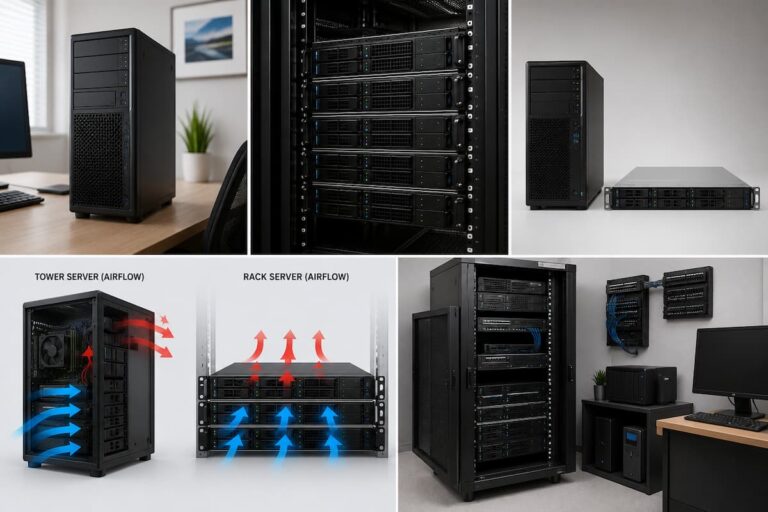
This guide explains how hardware RAID and software RAID work, compares their pros and cons, discusses performance and reliability, and highlights common scenarios where each approach is most suitable. By the end of this guide, you will be able to make informed decisions when building or upgrading your home server.
What is RAID?
RAID stands for Redundant Array of Independent Disks. It is a technology that combines multiple storage media into a single logical storage system. Depending on the chosen RAID level, the system can improve data protection, increase storage performance, or strike a balance between the two.
For example, some RAID levels create identical copies of data on multiple disks so that no data is lost, even if one disk fails. Other levels distribute the data across multiple disks to improve read and write speeds. More advanced RAID levels combine these technologies to balance redundancy and performance. It is important to know that RAID is not a substitute for backups. While some RAID configurations offer protection against hard drive failures, they do not provide protection against accidentally deleted files, malware, fire, theft, or hardware damage that can affect the entire system.
Common RAID Levels
| RAID Level | Main Purpose | Drive Fault Tolerance |
|---|---|---|
| RAID 0 | Maximum performance | None |
| RAID 1 | Mirroring for protection | One drive |
| RAID 5 | Balanced performance and redundancy | One drive |
| RAID 6 | Higher redundancy | Two drives |
| RAID 10 | Performance and redundancy | Depends on configuration |
Understanding Hardware RAID
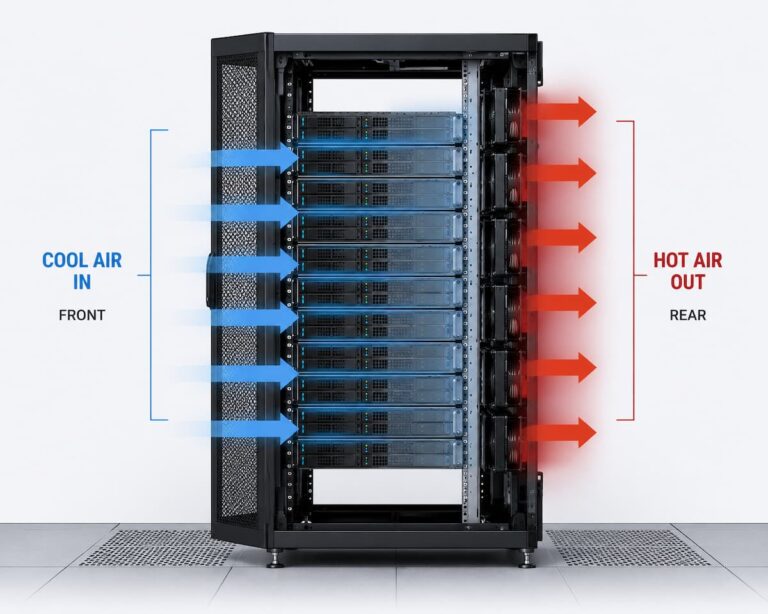
Hardware RAID uses a dedicated RAID controller to manage the storage array. This controller may be installed as an expansion card or built directly into a server or enterprise storage system. Instead of relying on the operating system, the controller performs RAID calculations independently using its own processor and memory.
Because the RAID controller manages the array, the operating system simply sees one logical storage volume rather than several individual drives. This approach has traditionally been popular in business environments where consistent performance and advanced management features are important. Many enterprise RAID controllers also include battery-backed cache or flash-backed memory. These features help improve write performance while protecting data during unexpected power failures.
Advantages of Hardware RAID
- Dedicated processor handles RAID operations.
- Minimal CPU usage on the main system.
- Advanced management features.
- Often supports battery-backed write cache.
- Well suited for demanding enterprise workloads.
Potential Drawbacks
- Higher purchase cost.
- Replacement controllers may be required after hardware failure.
- Configuration can be more complex.
- Vendor-specific compatibility issues may occur.
Understanding Software RAID
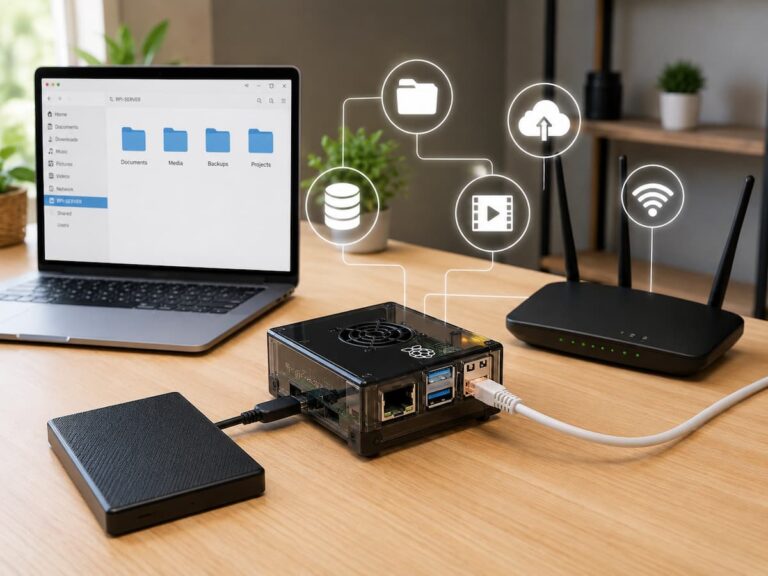
Software RAID performs the same basic storage functions using the operating system instead of a dedicated controller. Modern operating systems such as Linux, Windows, and several NAS platforms include built-in software RAID solutions that have become increasingly capable over the years.
Instead of relying on specialized hardware, the system’s processor handles RAID calculations. Thanks to the power of modern CPUs, this additional workload is usually small for typical home server tasks. As a result, software RAID has become a popular choice for personal servers, NAS devices, and small business storage systems. Another advantage is portability. Since the RAID information is stored with the disks rather than a proprietary controller, moving drives to another compatible system is often easier if the original hardware fails.
Advantages of Software RAID
- No dedicated RAID controller required.
- Lower overall system cost.
- Easier hardware upgrades.
- Good compatibility with modern operating systems.
- Simple recovery in many situations.
Potential Drawbacks
- Uses some CPU resources.
- Performance depends on system hardware.
- Management tools vary between operating systems.
- Advanced enterprise features may be limited.
Hardware RAID vs Software RAID at a Glance
Although both approaches provide RAID functionality, they differ in cost, management, flexibility, and long-term maintenance. Understanding these differences helps you focus on the option that best matches your experience level and future plans.
| Feature | Hardware RAID | Software RAID |
|---|---|---|
| Cost | Higher | Lower |
| Dedicated Controller | Yes | No |
| CPU Usage | Very Low | Low |
| Flexibility | Moderate | High |
| Portability | Controller dependent | Usually easier |
| Home Server Suitability | Good | Excellent |
For many home users, the most noticeable difference is cost. Software RAID is often included with the operating system at no additional expense, while hardware RAID requires purchasing compatible controllers that can significantly increase the total system budget.
Performance Differences
Performance is one of the most common reasons people consider RAID, but the differences between hardware RAID and software RAID are often smaller than expected on modern home servers. Years ago, dedicated RAID controllers offered a clear advantage because desktop processors had limited computing power. Today’s multi-core CPUs are significantly faster and can perform RAID calculations with relatively little impact during normal home use.
For workloads such as file sharing, media streaming, backups, and personal cloud storage, software RAID usually delivers performance that is very close to hardware RAID. The storage drives themselves, network speed, and available memory often have a greater influence on real-world performance than the RAID implementation.
Hardware RAID may still provide advantages during extremely demanding workloads involving large databases, virtualization, or continuous heavy write operations. However, these situations are uncommon in typical home server environments. Before investing in an expensive RAID controller, verify that storage performance—not network speed, memory, or processor power—is actually your system’s bottleneck.
Reliability and Data Protection
Many people assume hardware RAID is automatically more reliable than software RAID, but reliability depends on much more than the RAID method itself. Drive quality, backup practices, power protection, and system maintenance often have a greater impact on data safety than whether RAID is managed by dedicated hardware or the operating system.
A hardware RAID controller can continue managing the array independently of the operating system, which is useful in enterprise environments. However, if the controller itself fails, recovering the array may require finding the same model or a compatible replacement. Depending on the manufacturer, this can make recovery more complicated than expected.
Software RAID stores array information in formats supported by the operating system. If the server hardware fails, it is often possible to move the drives into another compatible system and rebuild the array without needing specialized RAID hardware. This flexibility is one reason software RAID has become increasingly popular for home servers.
Factors That Improve RAID Reliability
- Use high-quality storage drives designed for continuous operation.
- Monitor drive health using SMART tools.
- Replace failing drives promptly.
- Use an uninterruptible power supply (UPS).
- Maintain regular backups.
- Keep firmware and operating system updates current.
Cost and Upgrade Considerations
Budget is often one of the biggest deciding factors for home server builders. Software RAID is included with many operating systems, making it an attractive option for users who want reliable storage without purchasing additional hardware. Hardware RAID, on the other hand, requires a dedicated RAID controller, and enterprise-grade models can significantly increase the overall cost of the server.
Upgrade flexibility also differs between the two approaches. Software RAID generally makes it easier to move drives into newer hardware because the operating system manages the storage configuration. Hardware RAID arrays may depend on a specific controller family, meaning future upgrades sometimes require additional planning. For users building their first home server, spending money on larger storage drives, more memory, or a UPS often provides greater long-term value than purchasing an expensive RAID controller.
Typical Cost Comparison
| Expense | Hardware RAID | Software RAID |
|---|---|---|
| RAID Controller | Required | Not Required |
| Software License | Usually Included | Usually Included |
| Hardware Upgrades | May Require Matching Controller | Generally Easier |
| Overall Entry Cost | Higher | Lower |
Which Option Is Best for Home Servers?
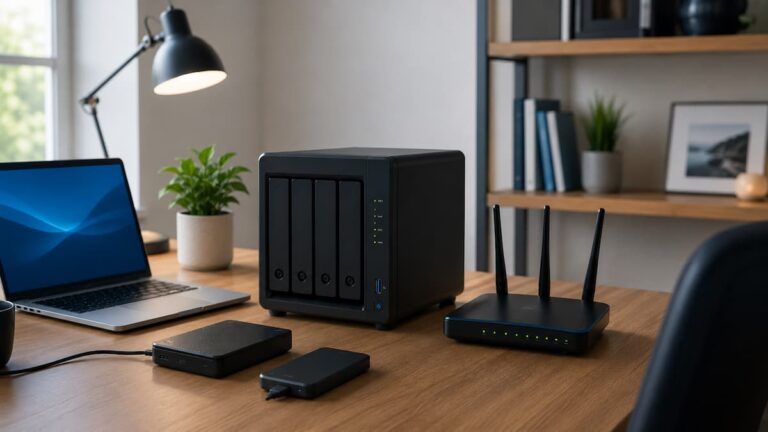
For the majority of home users, software RAID is the more practical choice. Modern processors easily handle RAID calculations, setup is straightforward on popular operating systems, and recovery is often simpler because it doesn’t rely on proprietary controller hardware.
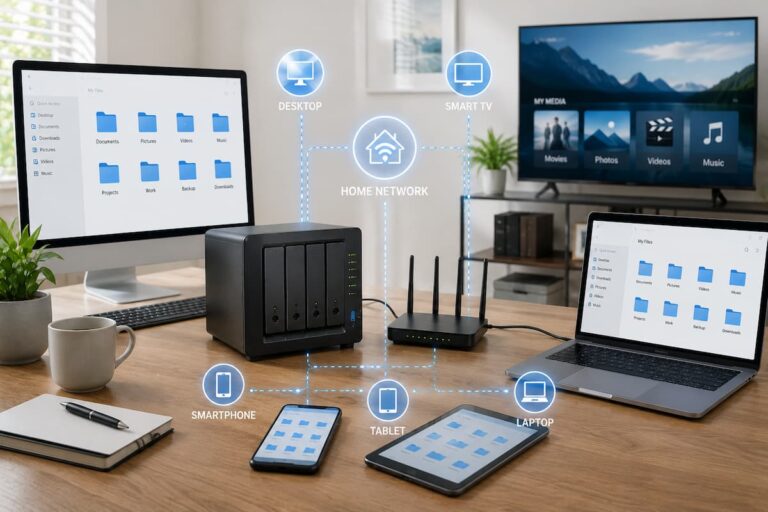
If your server is primarily used for file storage, media streaming, backups, personal cloud services, or light virtualization, software RAID typically provides excellent performance while keeping costs low. Many well-known NAS operating systems also rely on software RAID because of its flexibility and reliability.
Hardware RAID still has an important role in environments that demand maximum uptime, advanced caching features, or specialized enterprise management capabilities. Businesses running mission-critical workloads may benefit from these additional features, but they are usually unnecessary for a typical home server.
Quick Recommendation Guide
| Scenario | Recommended Option |
|---|---|
| First Home Server | Software RAID |
| Media Server | Software RAID |
| Personal Cloud Storage | Software RAID |
| Learning Linux | Software RAID |
| Enterprise Database Server | Hardware RAID |
| Mission-Critical Business Systems | Hardware RAID |
Common Mistakes When Choosing RAID
Many beginners select a RAID solution based on marketing claims rather than actual requirements. One common mistake is assuming that hardware RAID automatically delivers dramatically better performance. For many home workloads, differences are small because network speed and storage drives become the primary bottlenecks.
Another frequent mistake is confusing RAID with backups. Mirroring data across multiple drives protects against individual drive failures, but deleted or encrypted files are usually replicated immediately across the entire array. Without separate backups, recovery may still be impossible. Some users also purchase expensive RAID controllers without considering long-term compatibility. If the controller fails years later, replacing it with an identical model may be difficult or costly.
Avoid These Common Errors
- Thinking RAID replaces backups.
- Choosing hardware RAID without a clear need.
- Ignoring power protection.
- Mixing drives with significantly different capacities or performance.
- Skipping drive health monitoring.
- Delaying replacement of failing disks.
Maintenance and Troubleshooting
Regardless of which RAID solution you choose, regular maintenance helps keep your storage system healthy. Monitoring drive health, checking RAID status, installing updates, and replacing failed drives promptly all contribute to long-term reliability.
Many operating systems and NAS platforms provide dashboards that display drive temperatures, SMART status, rebuild progress, and storage utilization. Reviewing these reports periodically helps identify developing problems before they result in data loss. Testing backups is equally important. A backup that cannot be restored offers little protection during an emergency. Schedule occasional recovery tests to verify that important files remain accessible.
Routine Maintenance Checklist
- Check RAID health weekly.
- Review SMART reports monthly.
- Install firmware and software updates.
- Replace failed drives immediately.
- Test backup restoration regularly.
- Monitor storage capacity.
- Keep spare drives available if possible.
Conclusion
Ultimately, the choice between hardware and software RAID depends on your workload, budget, and long-term plans. While hardware RAID still offers many valuable features for enterprise environments, software RAID has evolved into a powerful solution that meets most home server needs. Its lower costs, greater flexibility, and simpler recovery options make it ideal for building file servers, media servers, backup systems, or personal cloud storage.
Regardless of your RAID method, remember that storage reliability depends on more than just the RAID configuration. High-quality hard drives, regular health checks, firmware updates, power protection, and well-tested backup strategies all play a crucial role in ensuring data security.
Before investing in additional hardware, you should map out your actual storage needs and identify any potential performance bottlenecks. In many home environments, investing in higher-capacity hard drives, faster networking, additional memory, or a UPS offers more long-term value than purchasing a dedicated RAID controller. By choosing the RAID solution that best suits your needs and maintaining it properly, you can build a reliable home server that guarantees stable operation for years to come.
FAQs
1. Is software RAID fast enough for a home server?
Yes. Modern processors are powerful enough to handle software RAID with very little overhead under typical home server loads. Software RAID typically offers excellent performance for file sharing, backups, media streaming, personal cloud storage, and most NAS applications. In many cases, network speed and storage drive performance have a greater impact on overall responsiveness than the RAID implementation itself.
2. Is hardware RAID always better than software RAID?
Not always. Dedicated RAID controllers can offer an advantage for demanding enterprise-level workloads, particularly with large databases, virtualization, or heavy write operations. However, for most home users, the actual performance difference is usually small, as current multi-core processors can execute RAID calculations efficiently. Investing in faster hard drives or a better network can yield a greater performance improvement.
3. Can I migrate a software RAID array to another computer?
In many cases, yes. Most software RAID implementations store array information on the hard drives themselves, enabling migration to another compatible operating system and RAID reconstruction. The specific process depends on the software used, but software RAID is generally considered more portable than proprietary hardware RAID solutions.
4. What happens if the hardware RAID controller fails?
If the RAID controller fails, the hard drives themselves are usually not damaged, but another compatible controller may be required to access the data. Some manufacturers recommend replacing the defective controller with the same model or a compatible version to ensure the array can be correctly identified. This dependency is one of the reasons why many home users prefer software RAID, as it facilitates long-term recovery.
5. Which RAID level is best for beginners?
RAID 1 is often the simplest choice for beginners, as it mirrors data across two hard drives, providing immediate protection against the failure of one drive. Users with larger storage needs sometimes choose RAID 5 or RAID 6, but these configurations require additional hard drives and a more complex reconstruction process. The best option depends on your budget, storage needs, and the required level of redundancy.
References
- Linux Kernel Documentation – MD (Multiple Device) RAID – https://docs.kernel.org/admin-guide/md.html
- Microsoft Learn – Storage Spaces Documentation – https://learn.microsoft.com/
- Red Hat Documentation – Managing RAID Storage – https://access.redhat.com/documentation
- OpenZFS Documentation – https://openzfs.github.io/openzfs-docs/
- TrueNAS Documentation – Storage and RAID Guidance – https://www.truenas.com/docs/
- NIST Computer Security Resource Center – https://csrc.nist.gov/
- Seagate Technology – RAID Storage Resources – https://www.seagate.com/
- Western Digital Knowledge Base – NAS and RAID Information – https://support.wdc.com