
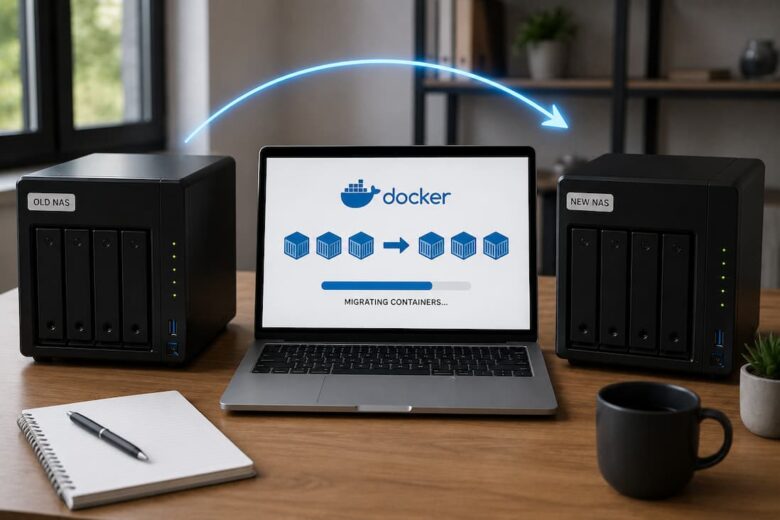
Migrating Docker containers to a new NAS sounds simple until you realize the container itself is usually the least important part of the deployment. The real challenge is preserving persistent data, networking, permissions, and service availability while users continue accessing applications. Many migration guides focus on copying Docker volumes. That works for offline migrations, but …

Running applications inside Docker containers becomes much easier once networking starts making sense. For many self-hosters, networking is the point where an otherwise straightforward deployment becomes confusing. A container launches successfully, yet another service cannot reach it. A reverse proxy may refuse to connect, or a database may remain inaccessible even when the correct port …
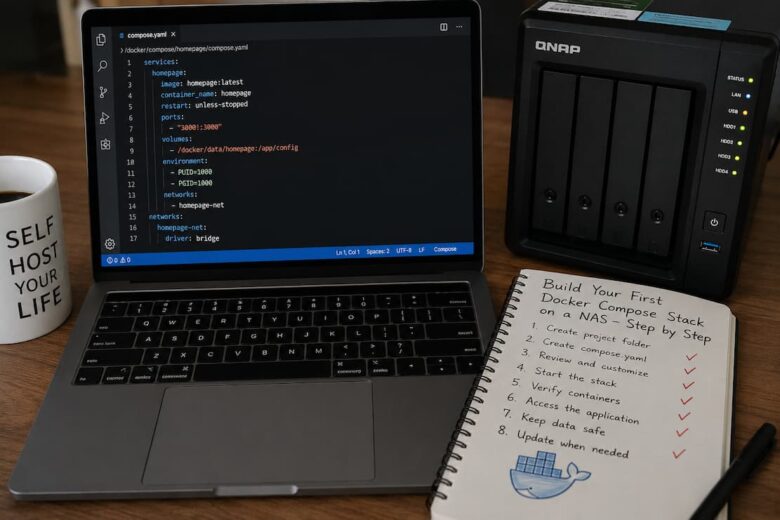
Running a single Docker container is a good introduction to self-hosting. Running several containers that depend on one another is where Docker Compose becomes valuable. Most self-hosted applications are not a single container. A media server may need a database. A password manager might require a reverse proxy. Monitoring software often consists of multiple services …

The Misconception That Causes Most Storage Problems One of the most common misunderstandings is believing that containers are virtual machines. They are not. A container is designed to be replaceable. You can delete it and recreate it in seconds. This design is intentional because containers package applications, not long-term state. The confusion begins when applications …
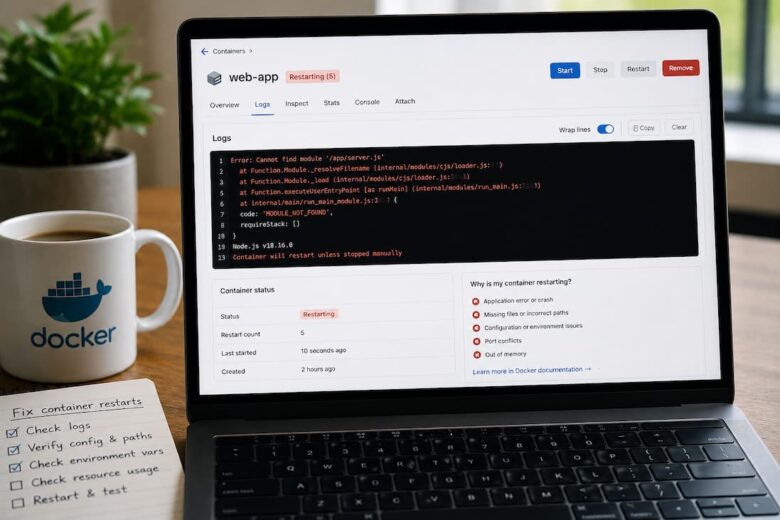
A Docker container that repeatedly restarts is rarely the actual problem. The restart is simply Docker doing exactly what it was configured to do. Something inside the container is exiting, crashing, or failing a health check, and Docker responds according to its restart policy. The objective is not to stop the restarts. The objective is …
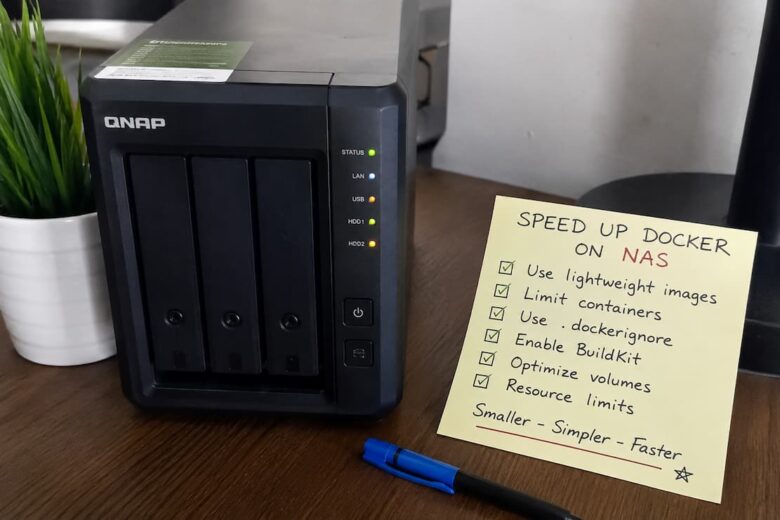
When containers feel slow on a NAS, Docker usually isn’t the bottleneck. The underlying hardware, storage layout, filesystem, container configuration, and application behavior almost always determine performance. Docker itself introduces relatively little overhead because containers share the host kernel instead of emulating hardware like traditional virtual machines. This distinction changes how you troubleshoot the problem. …
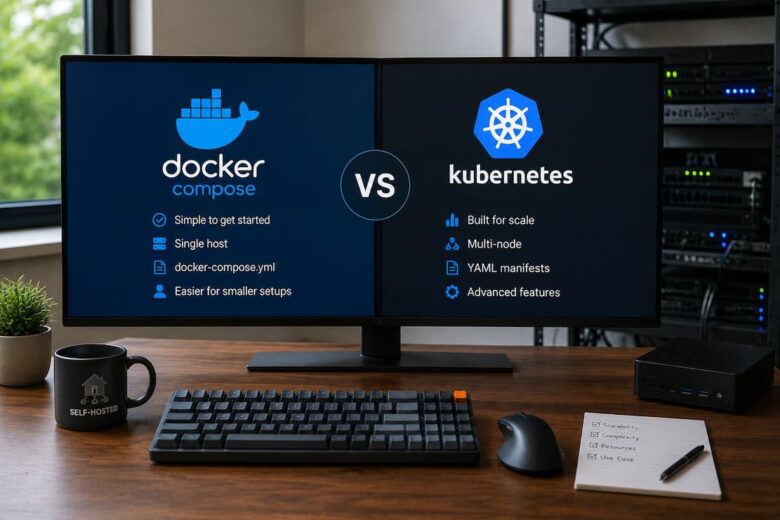
One of the most significant misconceptions in self-hosting is that Kubernetes is the “next step” after Docker Compose. That assumption is understandable because many enterprise environments use Kubernetes. Documentation, YouTube channels, and conference talks often present it as the natural evolution of containerized infrastructure. For most self-hosted environments, that’s the wrong starting point. The better …
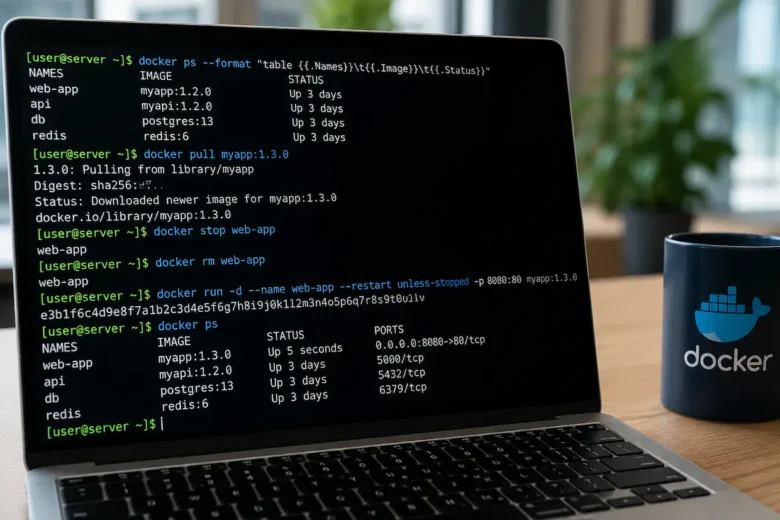
Keeping Docker containers updated is necessary for security, stability, and new features, but updating without a strategy often causes avoidable downtime. The container itself is disposable. The data, configuration, networking, and dependencies surrounding it are not included. Docker itself does not cause many failed updates. They result from configuration drift, incompatible image changes, forgotten environment …